Overview
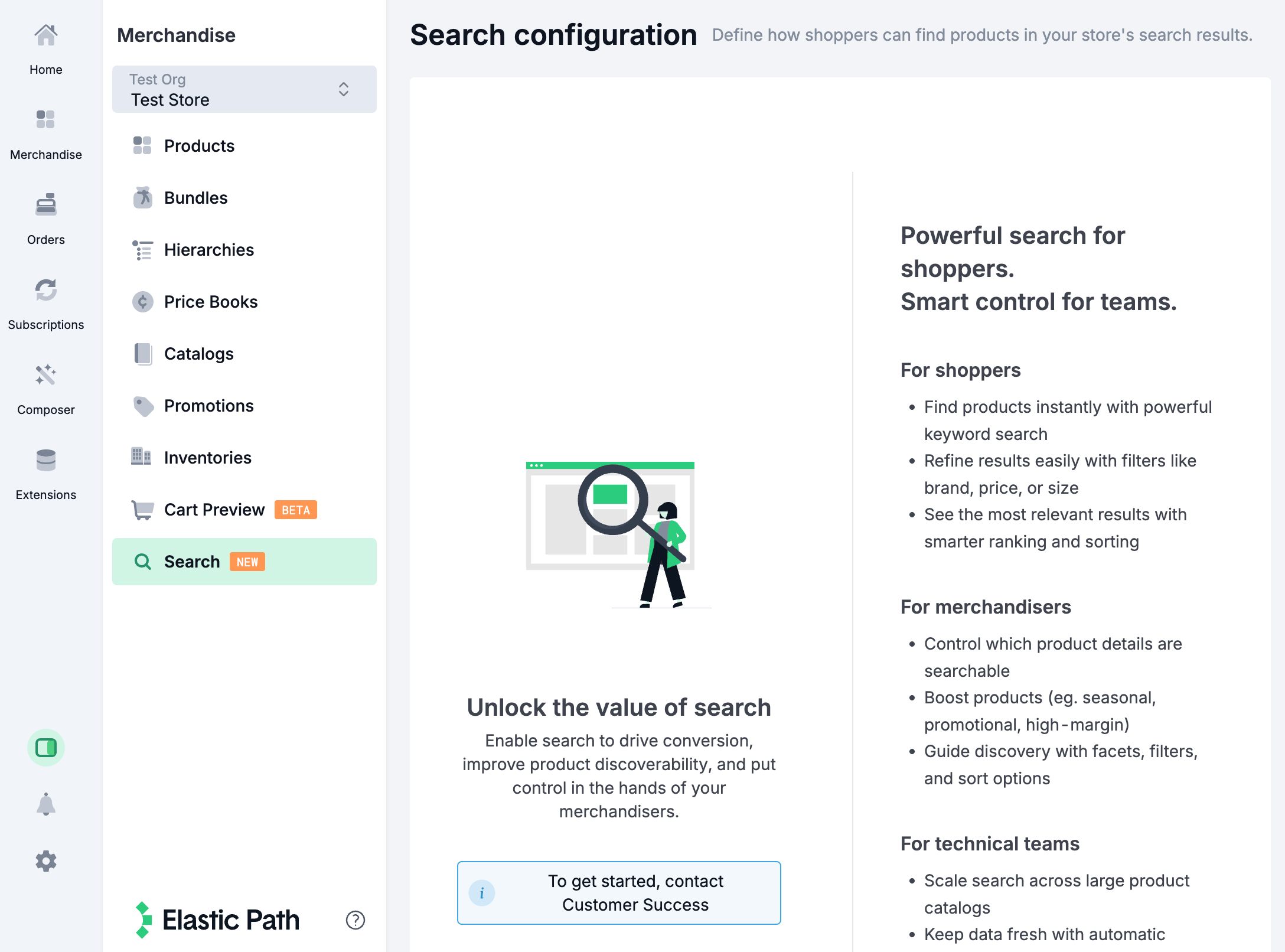
Catalog Search provides fast, relevant product search capabilities for your storefront. You can configure and manage catalog search settings directly in Commerce Manager.
To access Catalog Search, go to Merchandise > Search.
note
Catalog Search must be enabled for your store or organization before you can use it. Contact Customer Success to have this feature enabled.
Prerequisites
Before setting up catalog search, ensure you have:
- Catalog Search enabled for your store or organization
- A published catalog with products, hierarchies, and price books configured
- Appropriate permissions to manage catalogs
Enabling Catalog Search for a Catalog
Search functionality must be enabled for each catalog you want to use it for.
- Go to Product Experience Manager > Catalogs.
- Select the catalog you want to enable search for.
- Ensure that Enable Search? is turned on.
- Save your changes and publish the catalog.